
Allow access
Share your whole library, or only the photos you choose.
Photo cleaner for iPhone and Android
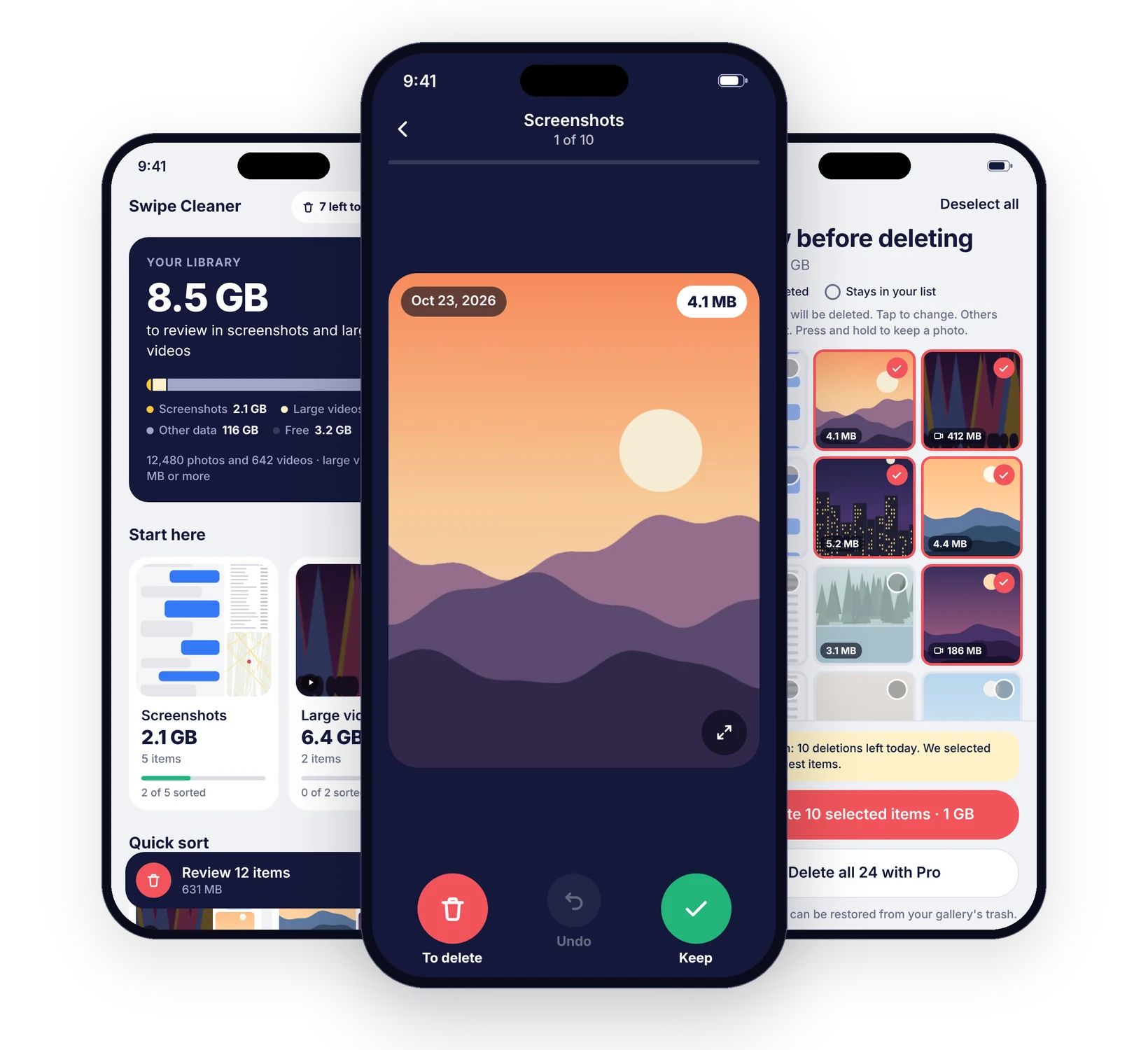
Swipe Cleaner finds the screenshots and large videos filling your phone. Swipe left to set a photo aside, right to keep it, then check your list before anything is deleted.
Free to download. Swipe as much as you like and delete up to 10 items a day for free. Swipe Cleaner Pro removes the daily limit.
How it works
A few minutes of swiping, whenever you have them.
Share your whole library, or only the photos you choose.
Screenshots and large videos are grouped, with the space they take.
Left to set a photo aside, right to keep it. Undo at any time.
Check everything you set aside and tap to change your mind.
Your phone asks you to confirm, then the space is freed.
Made for photo libraries
Swipe to sort
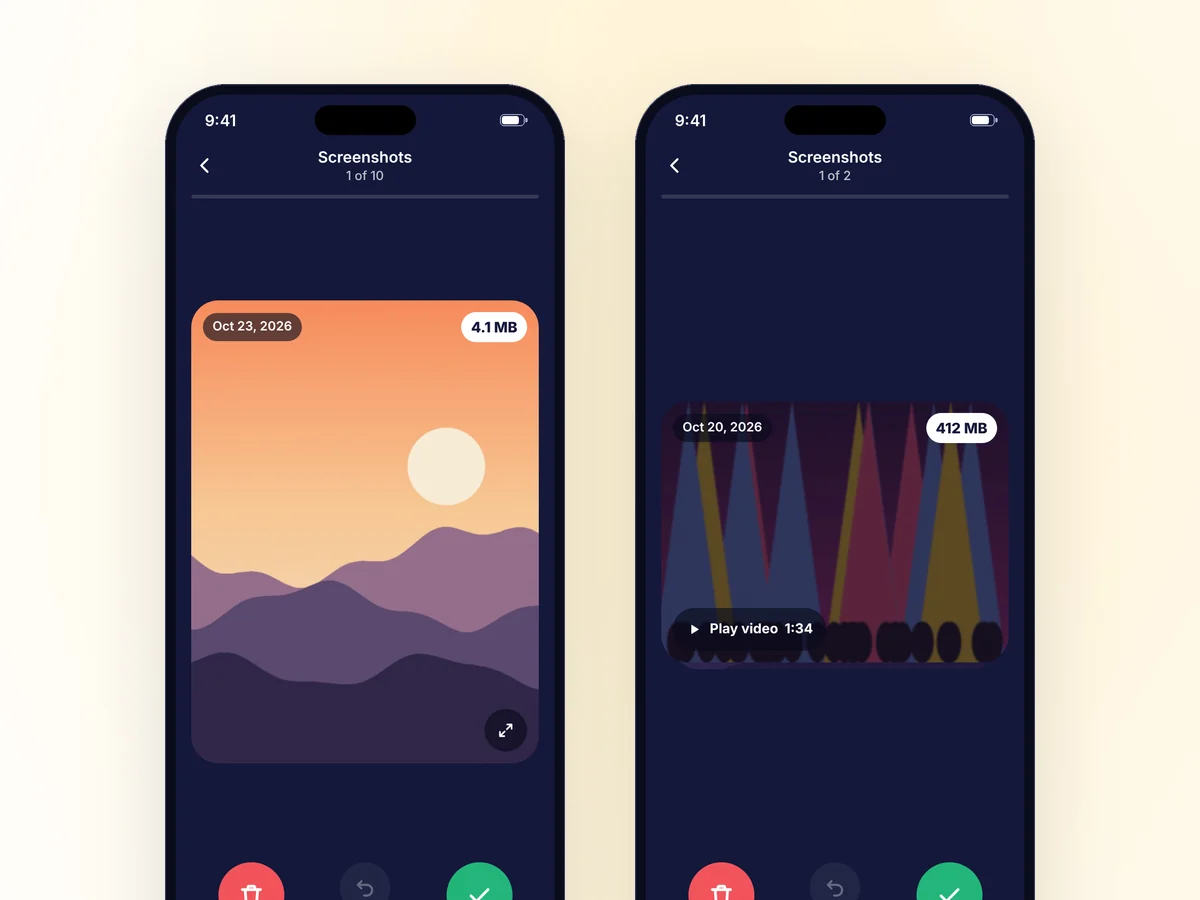
Each photo fills the screen with its date and size. Swipe right to keep it, left to set it aside. Pinch to zoom, play videos, and undo if you swiped too fast. Nothing is deleted while you sort.
Biggest first
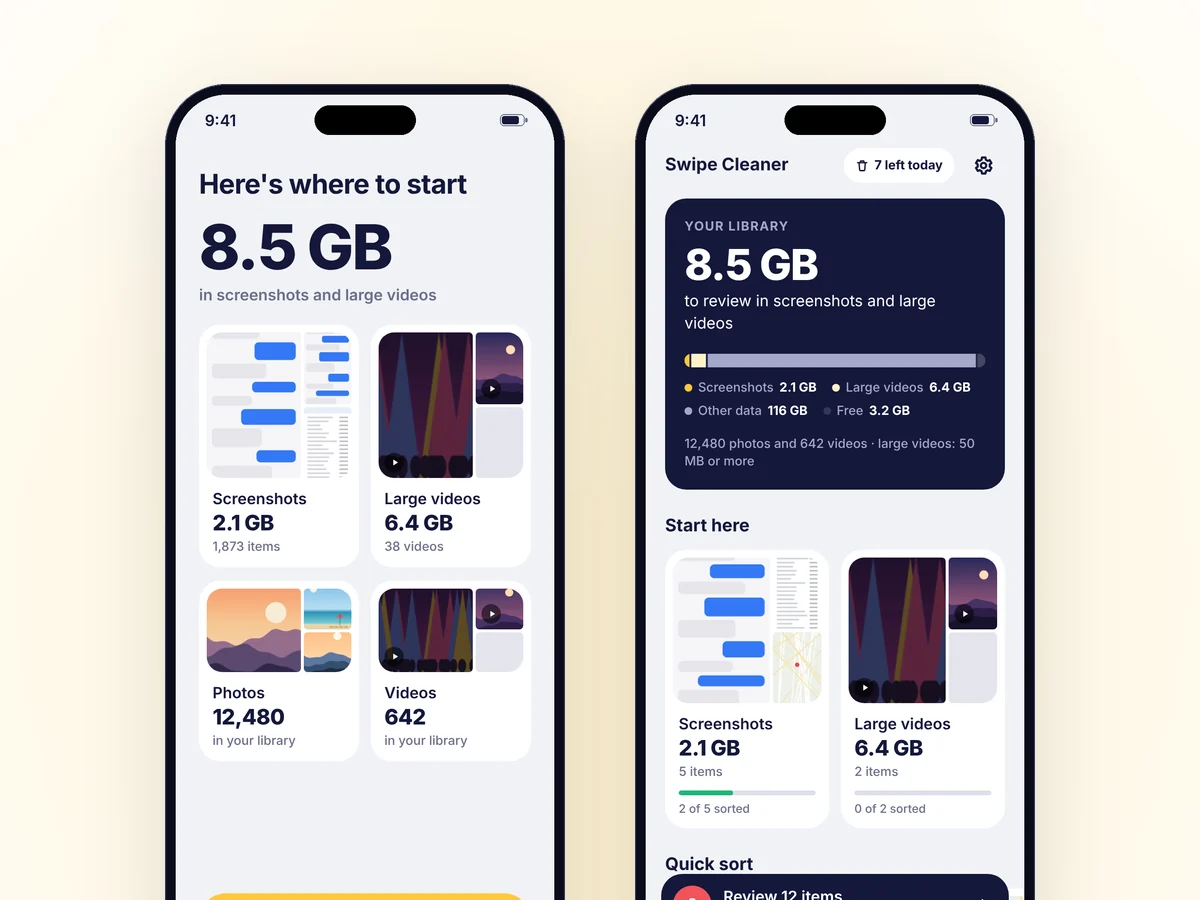
Swipe Cleaner groups your screenshots and your large videos and shows how much space each group uses, so you clear the heaviest items first.
Quick sort
Sort your recent photos, the ones taken on this day in past years, a random mix, or one month at a time, with your progress saved as you go.
Privacy first
Swipe Cleaner sorts your library on your device. There is no account and no cloud upload.
Photos, videos and their details are read on your phone and never sent to us.
Nothing is deleted until you review your list and your phone asks you to confirm.
Deleted items go to Recently Deleted on iPhone, or to your gallery's trash on Android.
Prefer to share only some photos? Swipe Cleaner works with the selection you give it.
Inside Swipe Cleaner
A first scan shows how much space your screenshots and large videos take. Your home screen keeps your collections and how far you have sorted each one.
Every card shows the date and the size of the file. Large buttons and clear labels make each choice obvious, and Undo brings the last photo back.
Before deleting, check every item you set aside and keep the ones you want. Then see how much space you freed.
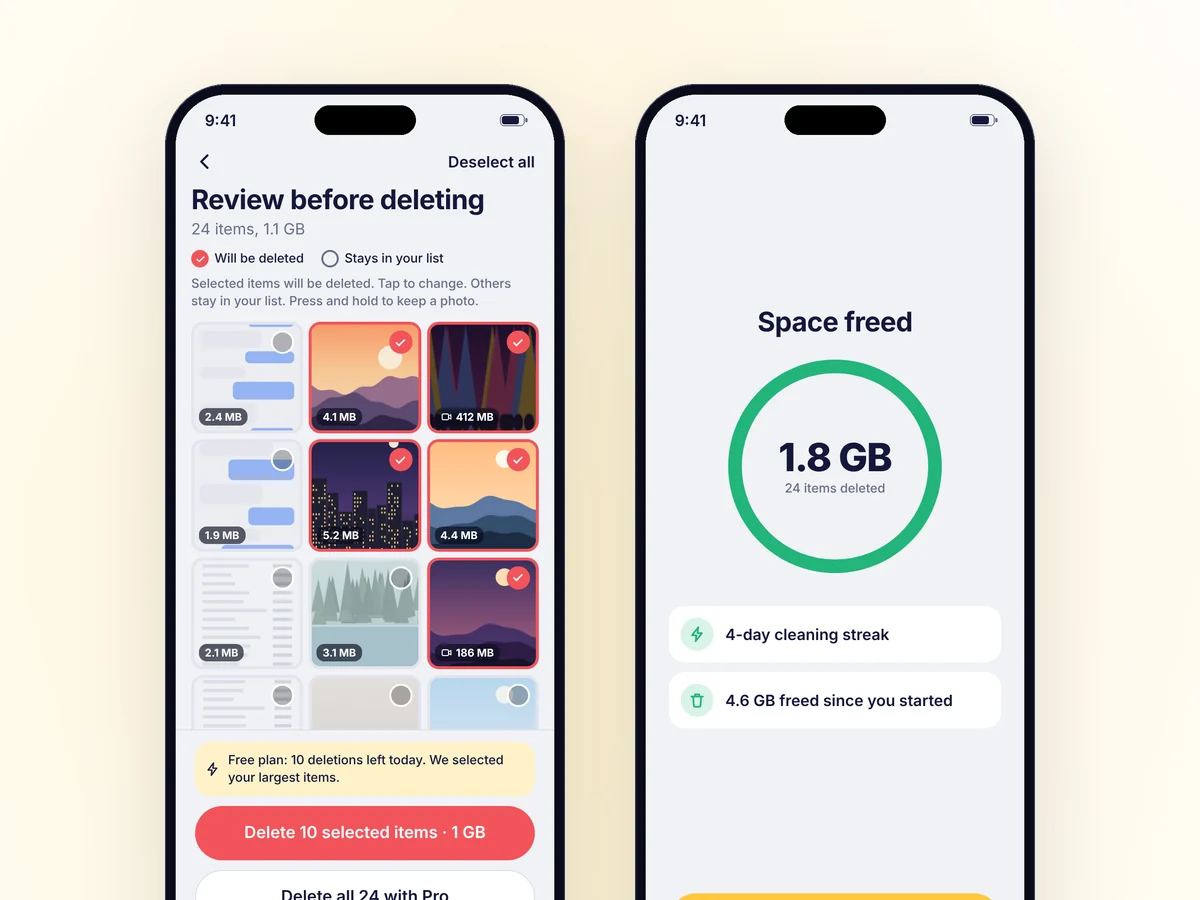
Screens show sample data. The photos are illustrations.
Swipe Cleaner Pro
Swiping is free and unlimited. The free plan deletes up to 10 items a day, starting with the largest ones. Pro removes the daily limit.
The weekly plan starts with a 3-day free trial for new subscribers. Prices and plan details are shown in the app before purchase. Subscriptions renew automatically and are managed through the store used to subscribe. Subscription terms
Questions
No. Swipe Cleaner reads and sorts your library on your phone. Your photos, videos and their details are never sent to us or to anyone else, and you do not need an account.
Yes, for a while. On iPhone, deleted items go to Recently Deleted in the Photos app. On Android, they go to your gallery's trash. Both usually keep items for about 30 days before removing them for good.
Only the items you actually delete. Swiping and reviewing are unlimited. The free plan deletes up to 10 items a day and selects your largest items first; the rest stays in your list for the next day.
Yes. When your phone asks for access, choose the photos you want to share. Swipe Cleaner sorts only those, and you can add more at any time.
Yes. Sorting and deleting work offline. You only need a connection to subscribe or restore a purchase.
In your Apple or Google account settings, or from the app under Settings > Manage subscription. Cancel at least 24 hours before the end of the current period to avoid the next charge.
Make some room
Download Swipe Cleaner and see what takes up space on your phone.